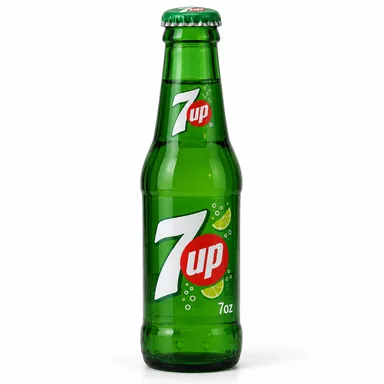
7UP
7oz
24 bottles / case
 BMR ENTERPRISESWholesale beverages
Choose your cases. We confirm stock before you pay.
Open the shop from BMR Messenger.
Signed in through your verified Messenger account.
Track holds, replacements, and delivery in My orders. Confirm a replacement before BMR changes your items.
Mix brands in one request. Each item shows its case size. BMR confirms smaller-pack options.
7oz
24 bottles / case
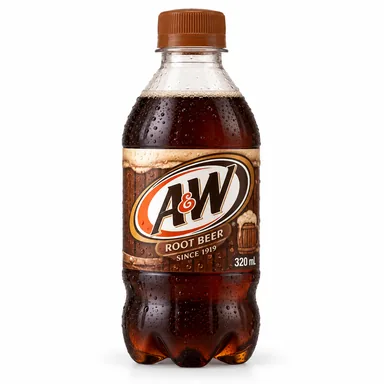
Mismo
12 bottles / case
250mL
35 units / case
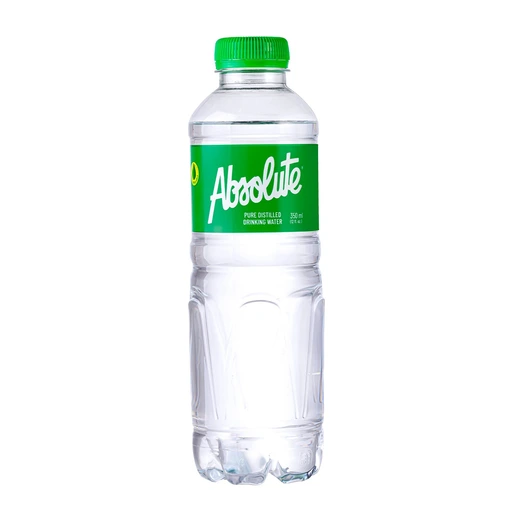
350mL
35 bottles / case
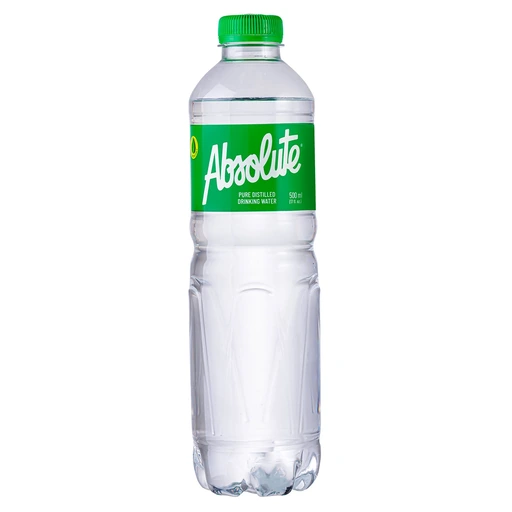
500mL
24 bottles / case
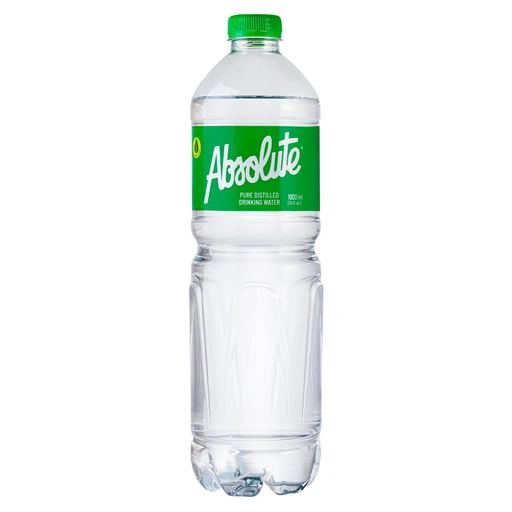
1000mL
12 bottles / case
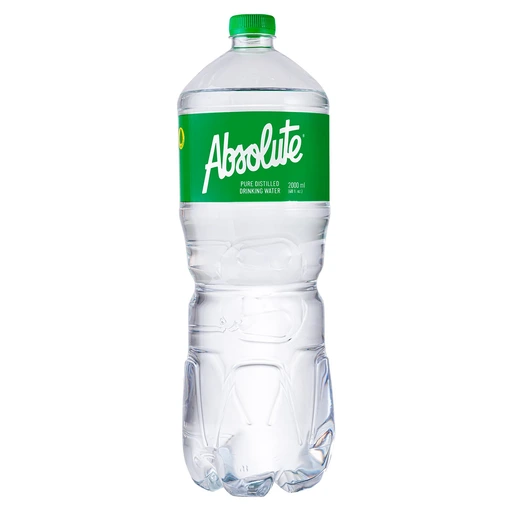
2000mL
6 bottles / case
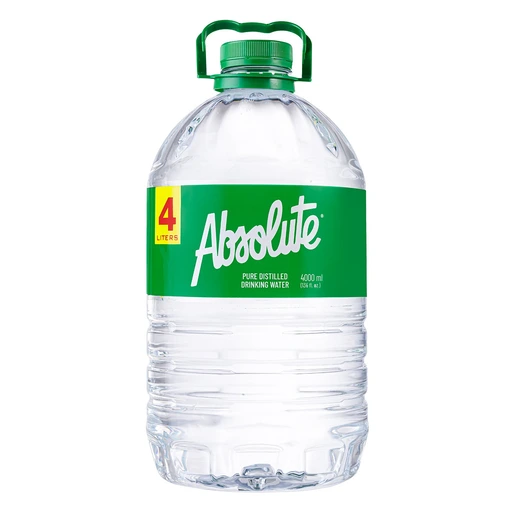
4000mL
4 bottles / case
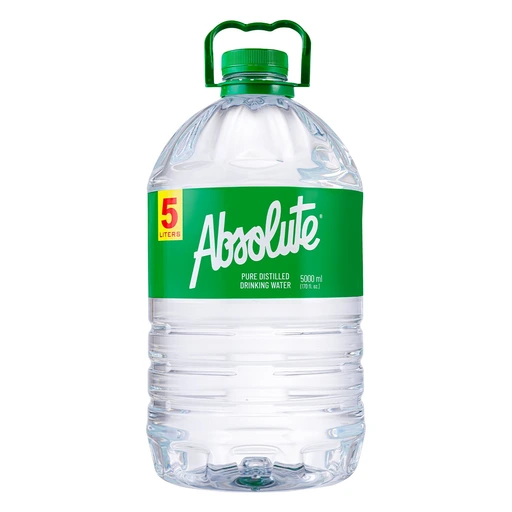
5000mL
3 bottles / case
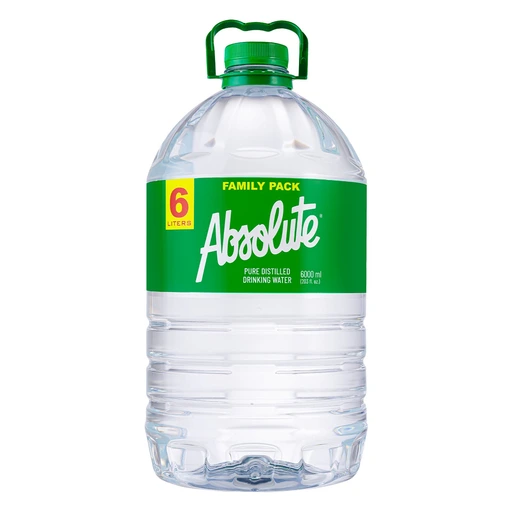
6000mL
3 bottles / case
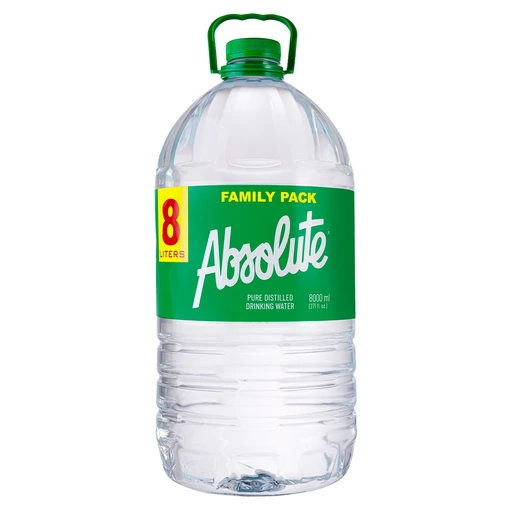
8000mL
2 bottles / case
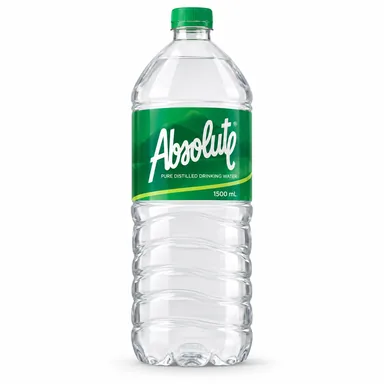
1500mL
12 bottles / case
ORDER REQUEST
Your total is an estimate. BMR will confirm the updated total before finalizing your order.
This request is not an official receipt or proof of payment.
Your requests, order IDs, and progress.
Saved contact and delivery details for your next BMR order.
Signed in automatically through Messenger.
Ordering does not need another login. Store access needs approval from BMR after it checks the registered owner.
Profile details belong to this Messenger identity. No identification document is needed here.
Find an answer or check the steps below.
Choose items → Check details → Send request → Wait for BMR
BMR reviews each request before it confirms stock, payment, and delivery.
Each product shows its size and case contents. Select Returnable crate (basyo) when the product offers it.
For smaller packs or custom packages, ask BMR in Messenger. BMR must confirm the contents and price.
Open Cart. Use + or − to change the quantity. Select Remove to delete the item before you submit.
After submission, ask BMR to change the request. Include your order ID.
Open My Orders. Your order ID appears in a highlighted box. Tap its copy icon.
Open the request and select Copy order details to copy the full summary. Copy icons also appear beside contact and delivery details.
The BMR order ID identifies your request. A separate sales order number appears after BMR prepares your order.
Your submission is a request. BMR must confirm stock, prices, the total, and delivery details before you pay.
Check My Orders for progress. A saved request or draft does not confirm stock or payment.
Select your payment preference in Cart. Wait for BMR to confirm your order.
For GCash, use only payment details verified by BMR in the conversation. Cash on delivery is paid when the order arrives.
For cash at pickup, pay when you collect the order. For Maya, bank transfer, or another method, wait for BMR to confirm availability and payment details.
Add an item and open Cart. Under Find your delivery address, type at least three characters.
Select a suggestion to fill the address and set its pin. Check the pin, then add your house or unit below.
Tap the map or drag the pin to adjust it. You can also paste a Google Maps link and select Use Maps link.
Type your full delivery address below the map. Add a nearby landmark in the order note.
You can paste a Google Maps link for BMR to review. Full coordinate links can set the pin; short links need staff review.
Address search can be unavailable. Your typed address stays in the form. BMR must confirm delivery coverage.
Enter 09…, 9…, 639…, or +639…. A complete Philippine mobile number changes to +63 9XX XXX XXXX.
The form cannot guess missing digits. Check the number if it shows an error.
The network hint uses the original prefix. Your current network can differ after a number transfer.
Open My Orders and select your request. Check its latest stage and order details.
BMR confirms the delivery fee, schedule, or pickup location. Check the order status here. Ask BMR in Messenger for rider details.
Open Profile. Enter your contact and store details. Give consent, then select Save profile.
Checkout saves your details to this verified Messenger profile. Your next order uses them automatically. Check the address and number each time.
Open My Orders and select Refresh. Select More requests to check older entries.
If you still need help, return to the BMR Messenger conversation. Paste your order ID and explain the issue.
Ask BMR to confirm any change or cancellation. Contact BMR to cancel a submitted request.
The app tries a second copy method. If your browser blocks both methods, it shows selectable text beside the icon.
Select that text and use your device’s Copy command. Paste the details into your BMR Messenger conversation.